Connect with
afcwa
Connect with AFCWA
Deepen relationships, celebrate milestones, and participate in the work of the Lord. Download the “Connect – Our Church Community” app for iOS or Android devices.
How to sign up for Connect App
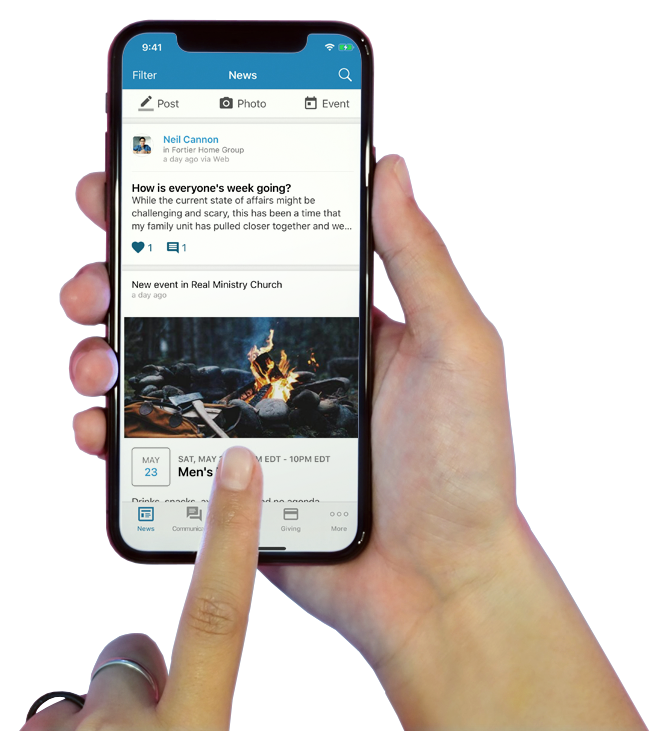
Realm Connect is our church app and communication platform, designed to make it easy for you to connect with our church community and get involved. It’s kind of like Instagram or Facebook, but private to our church, so instead of seeing a bunch of ads and noise, you’ll only see things that you care about.
Through the Realm Connect mobile app or website you can do things like message other members, connect with a group, give online, RSVP for events, and more.
Step 1: Sign Up for a Realm Account
If you’re new to Realm, getting started is easy. Simply go to onrealm.org/AmbassadorsForC, select sign up, then enter your information. Within 24-72 hours you will receive an email with a link to create an account.
Step 2: Download the Realm Connect App
You can always use the Realm Connect website to access your account, but we also recommend downloading the Realm Connect app so that you’ll always have access to your church community at your fingertips. The free app is available for download in the Apple App Store and the Google Play store.
- Online Membership Directory
- Community
- Giving
- Event Registration
- Volunteer Opportunities